

CRM for Hypnotists: Reminders, Scheduling, and Fewer No-Shows
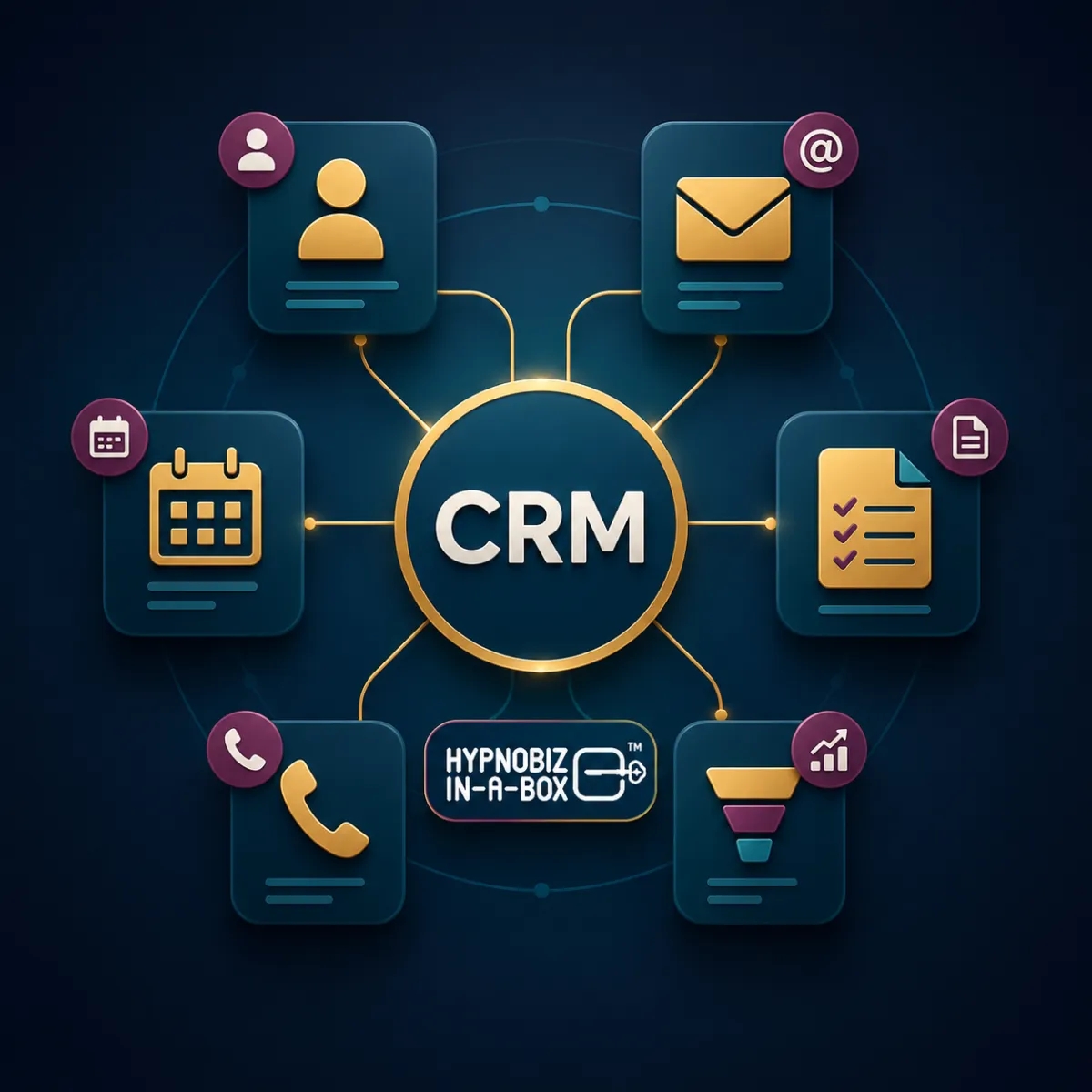
A CRM for hypnotists helps organize client details, appointments, and communication in one place. When it is connected to your calendar and reminders, it can make the booking experience clearer and help you spot missed follow-up.
It cannot guarantee a particular reduction in no-shows. Attendance depends on several factors, including expectations, appointment timing, communication, and the client's circumstances. Start with a clear process, then measure what changes in your own hypnosis practice.
Understand what counts as a missed appointment
Separate no-shows from cancellations and reschedules. A client who cancels with notice presents a different operational issue from someone who does not attend and does not contact you. Use consistent labels so your records tell you what actually happened.
Record the appointment type, booking date, scheduled date, attendance status, and whether the expected messages were delivered. Look for patterns before deciding that another reminder is the answer.
Make the confirmation useful
A confirmation should identify your practice and make the important details easy to find: date, time, time zone, location or online meeting link, and any preparation needed. Explain how to contact you or change the booking.
Read the message on your phone. Check the links and make a test booking using contact details you control. Confirm that the calendar and client record reflect the same appointment.
Choose reminders that fit your clients
Set a reminder schedule that gives people useful notice without overwhelming them. An earlier message may help someone plan; a shorter reminder nearer the appointment may help them find the details.
Keep reminders focused on the appointment. Avoid unnecessary personal details, pressure, or repeated promotional messages. Check delivery settings and the communication preferences your client has provided before relying on email or SMS.
Our hypnosis appointment software guide includes a full booking and reminder test.
Make rescheduling clear
Explain your cancellation and rescheduling policy before a person books. Use plain language and a clear route to make a change. When a booking is moved, check that old reminders stop and new ones reflect the updated time.
If someone misses an appointment, use a calm, factual follow-up consistent with your policy. Ask whether they would like to arrange another time. A useful response is more constructive than assuming why they did not attend.
Keep the record connected
A CRM can help you review contact details, previous messages, booking history, and relevant notes together. That reduces the need to reconstruct a conversation from different inboxes or spreadsheets.
HBB's client management tools for hypnotists connect with appointment booking and follow-up automation. Configure the workflow for your appointment types and review who should have access to client information.
Measure your own no-show rate
For a consistent period, divide the number of no-shows by the number of appointments you included in the measurement, then multiply by 100. Define how cancellations and reschedules are handled and keep that definition consistent.
For example, if 5 of 100 included appointments were no-shows, the rate is 5%. This is an illustration of the calculation, not an expected result from using a CRM.
Compare similar periods and appointment types. Small samples can fluctuate, so review counts alongside percentages. Also check whether attendance improved because of the reminder process or because other things changed.
A simple CRM setup checklist
Define appointment types, duration, and availability.
Connect the appropriate calendars and check for conflicts.
Write a clear confirmation and reminder sequence.
Explain how clients can cancel or reschedule.
Test a booking, a reschedule, and a cancellation.
Check that messages stop or update when the booking changes.
Review attendance and delivery records regularly.
Frequently asked questions
Will a CRM eliminate missed appointments?
No. It can help organize communication and make it easier to remember or change an appointment. It cannot control every reason someone may be unable to attend.
Should I send more reminders when attendance drops?
First check message delivery, time zones, booking lead time, and whether the details are clear. More messages will not fix a broken link or an incorrect appointment time.
Do I need a separate CRM and booking system?
Some platforms combine them; others require a connection. Compare the complete workflow and test how information moves between the tools you choose.
See the connected workflow
Watch the HypnoBiz-in-a-Box™ demo to see how client records, scheduling, and follow-up work together. For a wider overview, read what a practice management system does.


